Clear,premiuminterfacesforcomplexsoftware
Whenthiscapabilityfits
A system can be technically correct and still fail in daily use: users get lost, forms are too long, dashboards hide the information that matters, admins need too many clicks, and internal teams quietly go back to spreadsheets. That is not only a design problem, it is a business problem — poor UX creates support load, operational friction, lower adoption, slower onboarding, and weaker trust. Product Design & UX is the layer that turns technical capability into something people can actually understand, trust, and use, whether that is a new software product, an existing system people struggle with, or an AI feature that needs a clear workflow around it.
Your product needs clarity before development
Before building, you need to define how the product actually works: user roles, journeys, screens, states, permissions, and key actions. Good UX reduces ambiguity before engineering begins, so you are not paying to discover missing logic in code.
Users struggle with a system that technically works
The functionality may be right, but the experience is slow, confusing, outdated, or hard to learn. We improve the interface around real workflows, not just make the product look newer.
Your AI features are unclear or hard to trust
Users need to understand what the AI can do, what it used, what it is unsure about, and when a human should review the output. Without that, AI features produce results but the workflow around them stays confusing.
Whatwehelpwith

Product UX
We design how the product works before focusing on how it looks: user flows, information architecture, workflows, roles, permissions, navigation, onboarding, forms, dashboards, and edge cases.
UI design
We design interfaces that feel modern, polished, and credible without becoming visually heavy: layout, typography, spacing, components, hierarchy, forms, dashboards, and interaction states.
Design systems
Reusable design foundations covering components, typography, spacing, layout patterns, form and table components, and states, built for products with multiple screens, teams, or future development phases.
UX for complex systems
Internal systems, admin tools, platforms, and operational software often carry difficult workflows: complex forms, multi-step approvals, data-heavy screens, filters, user management, and exception handling.
AI product UX
AI features need interface patterns that build trust: context, sources, confidence, review steps, editability, and escalation.

Motion and 3D interaction
Motion and 3D that guide attention, explain product value, show system behavior, or make abstract ideas more tangible, used only where it improves clarity, trust, or memorability.
Product UX
We design how the product works before focusing on how it looks: user flows, information architecture, workflows, roles, permissions, navigation, onboarding, forms, dashboards, and edge cases.
UI design
We design interfaces that feel modern, polished, and credible without becoming visually heavy: layout, typography, spacing, components, hierarchy, forms, dashboards, and interaction states.
Design systems
Reusable design foundations covering components, typography, spacing, layout patterns, form and table components, and states, built for products with multiple screens, teams, or future development phases.
UX for complex systems
Internal systems, admin tools, platforms, and operational software often carry difficult workflows: complex forms, multi-step approvals, data-heavy screens, filters, user management, and exception handling.
AI product UX
AI features need interface patterns that build trust: context, sources, confidence, review steps, editability, and escalation.
Motion and 3D interaction
Motion and 3D that guide attention, explain product value, show system behavior, or make abstract ideas more tangible, used only where it improves clarity, trust, or memorability.
Howweworkin5steps
Understand the workflow
We start with what the user is actually trying to do: operations, roles, permissions, edge cases, and what happens after the click. Design starts with reality, not a blank canvas.
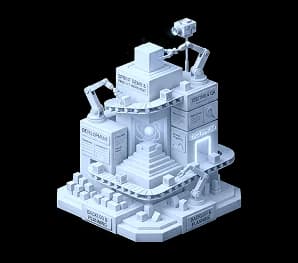
Define the product structure
We map journeys, screens, navigation, and information hierarchy so the main actions users need to take are clear before visual design begins.
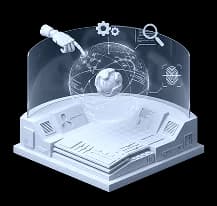
Prototype the experience
We create wireframes or prototypes so the product can be reviewed before engineering work becomes expensive, exposing missing logic and wrong assumptions early.
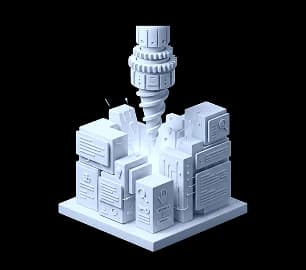
Design and hand off the interface
We turn the structure into a polished, accessible interface, then prepare components, states, and developer guidance so implementation stays faithful to the design.
Iterate with real feedback
Good UX improves when users interact with it. We review feedback, usage patterns, support issues, and operational reality to improve the experience over time.
Ourclients






Selectedprojects
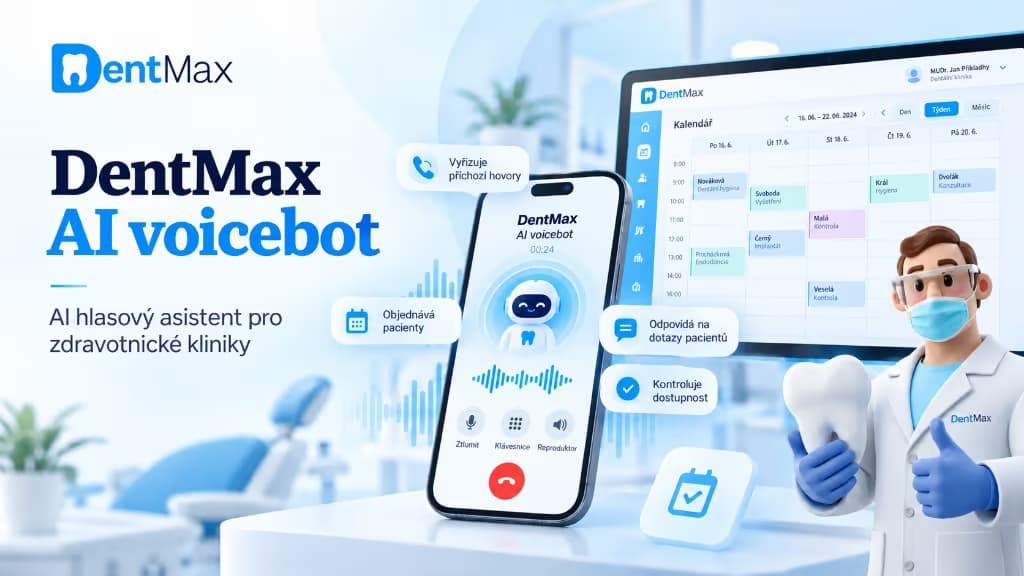
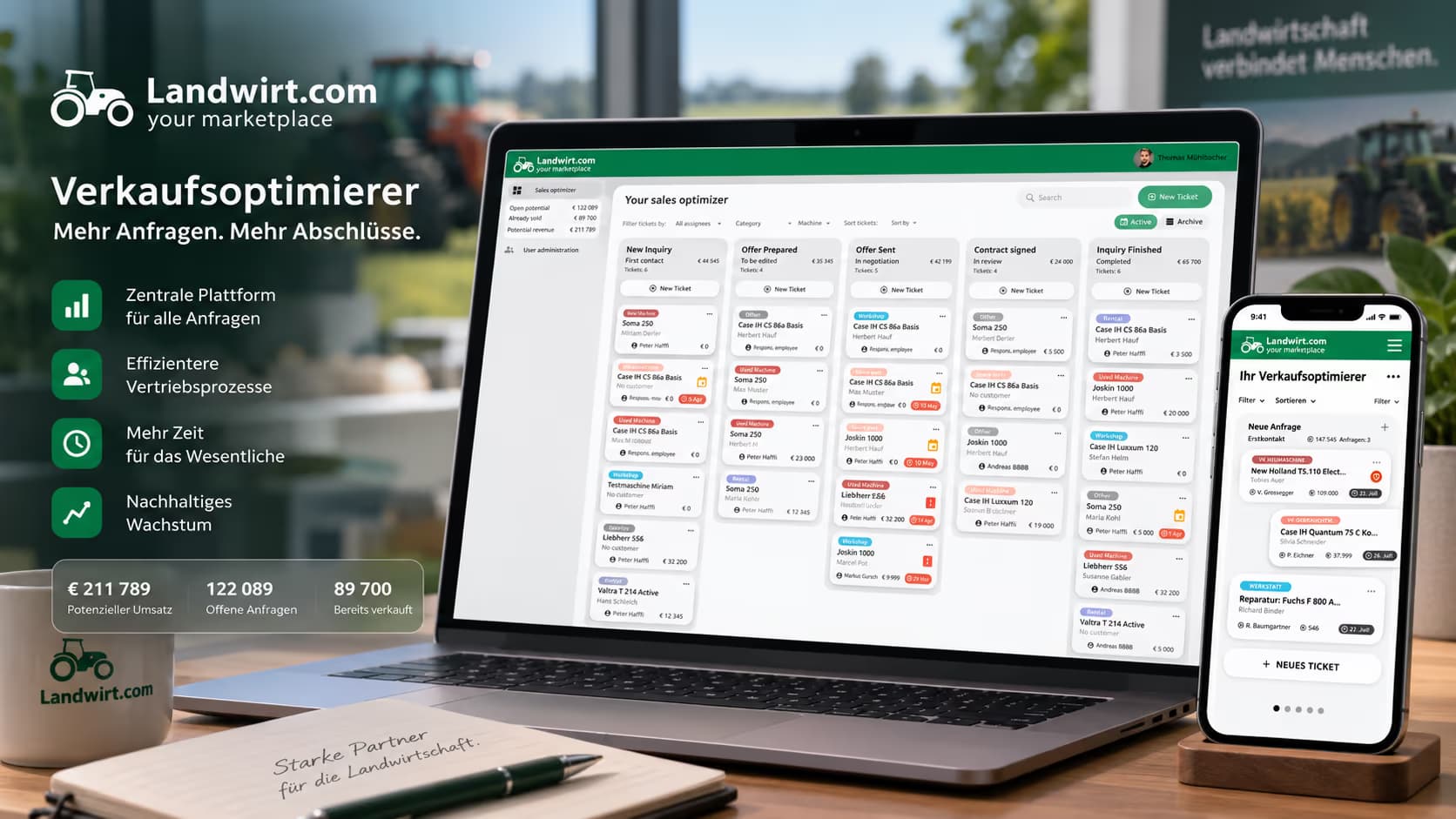
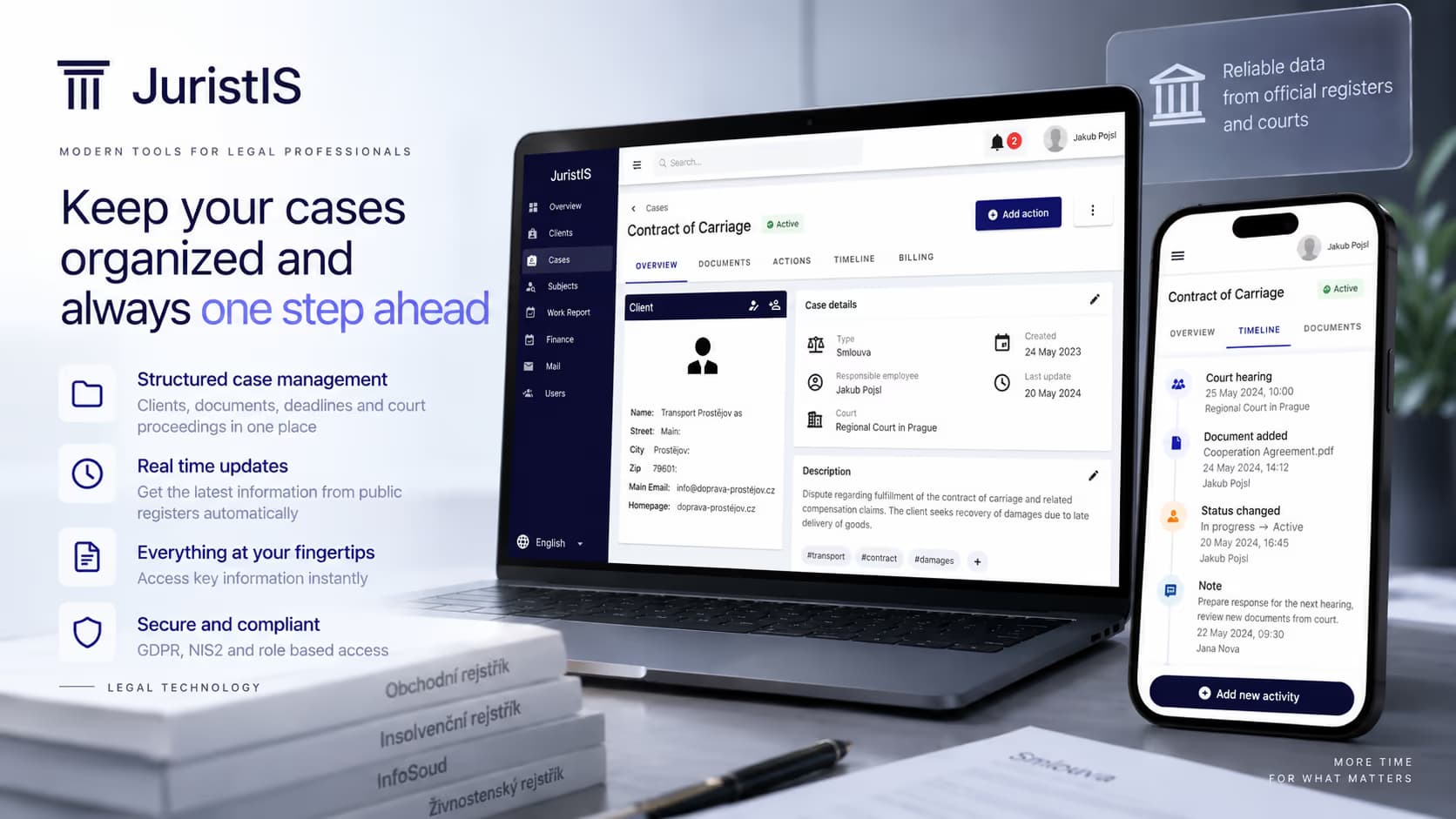
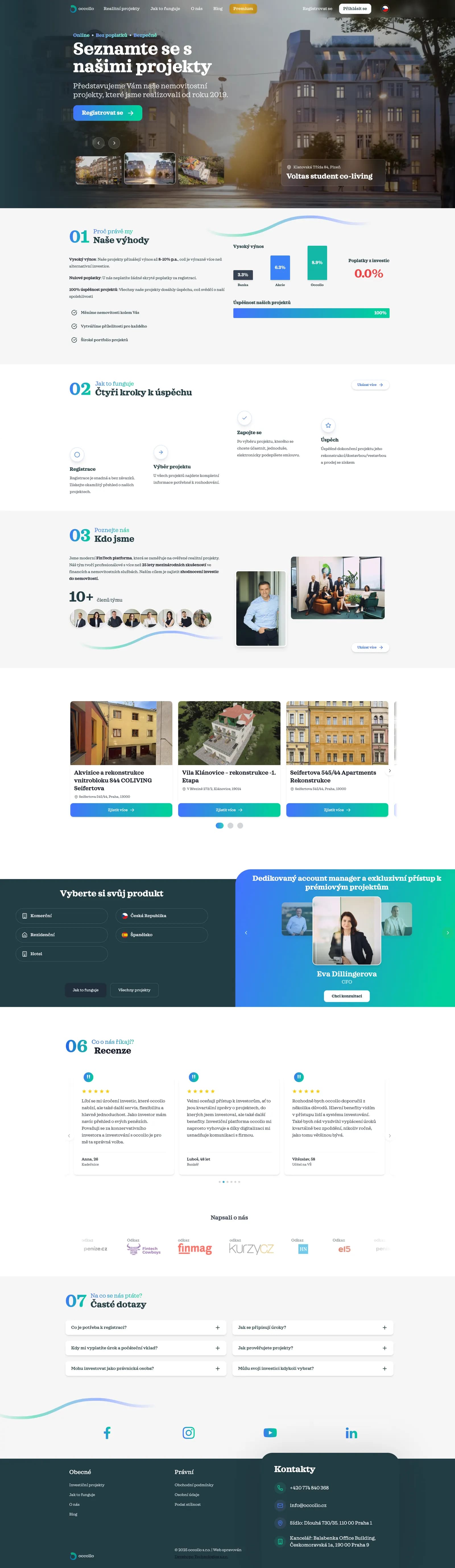
From regulated FinTech and RegTech platforms to AI systems, marketplaces, and large e-commerce ecosystems.
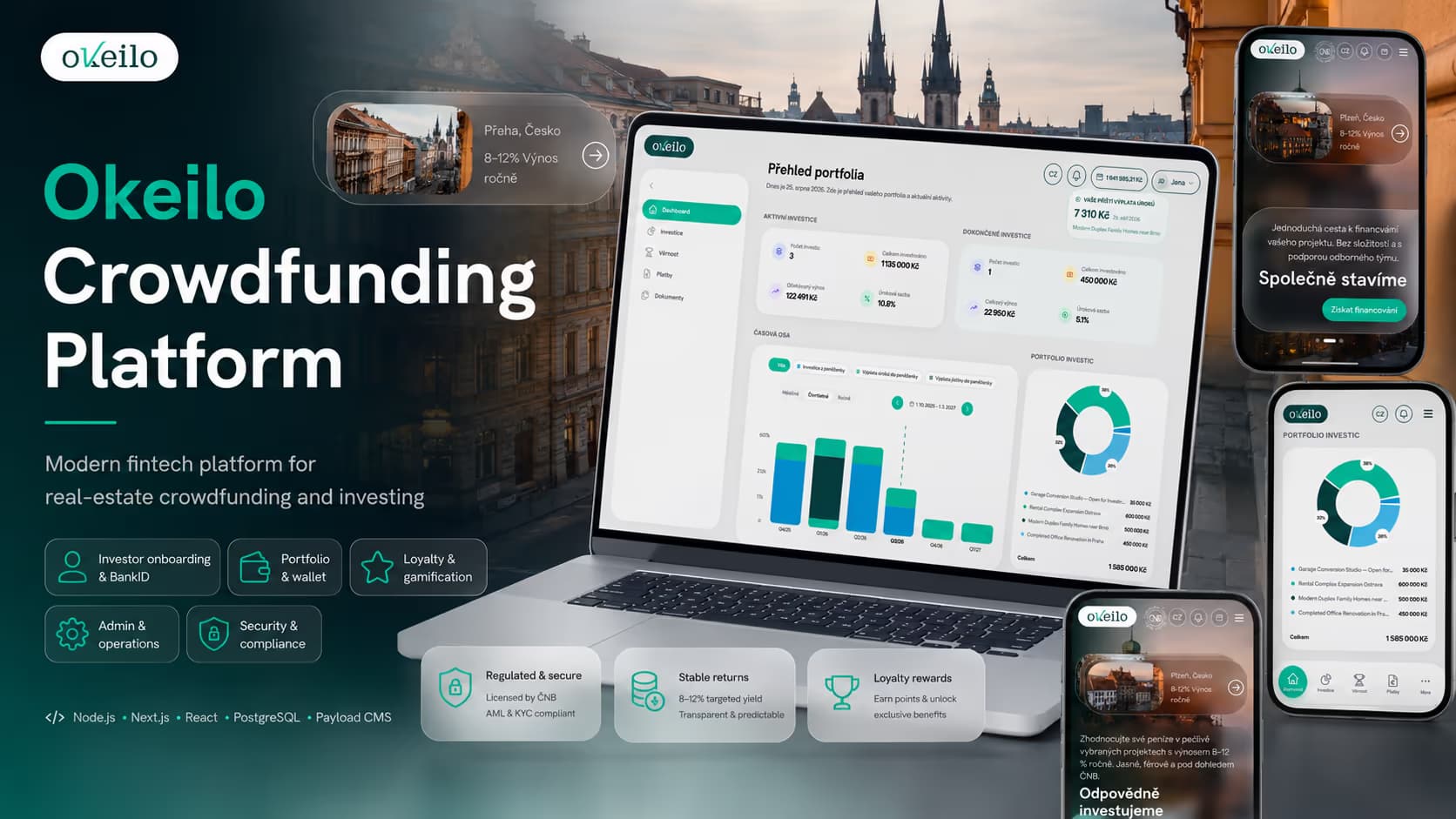
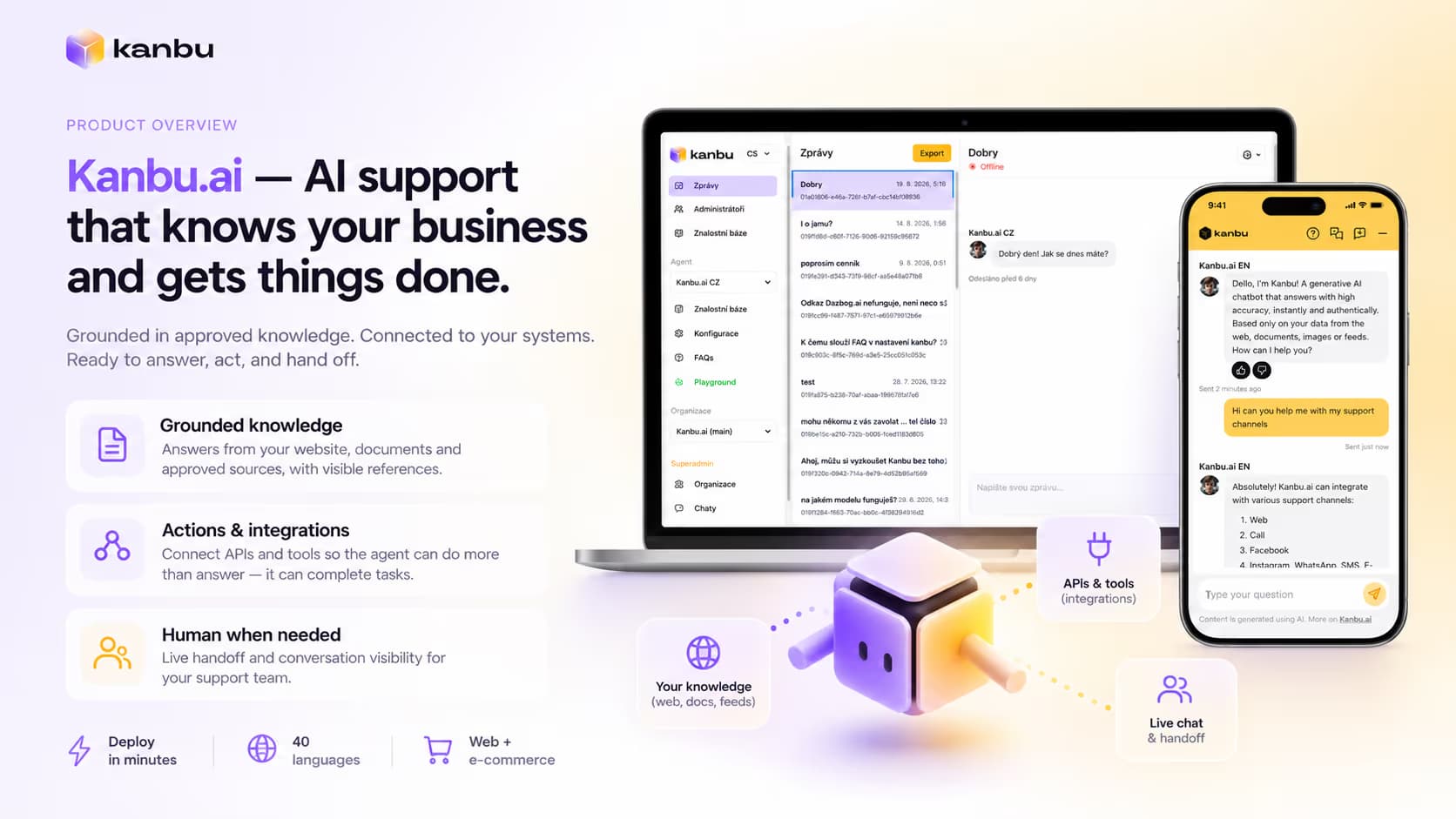

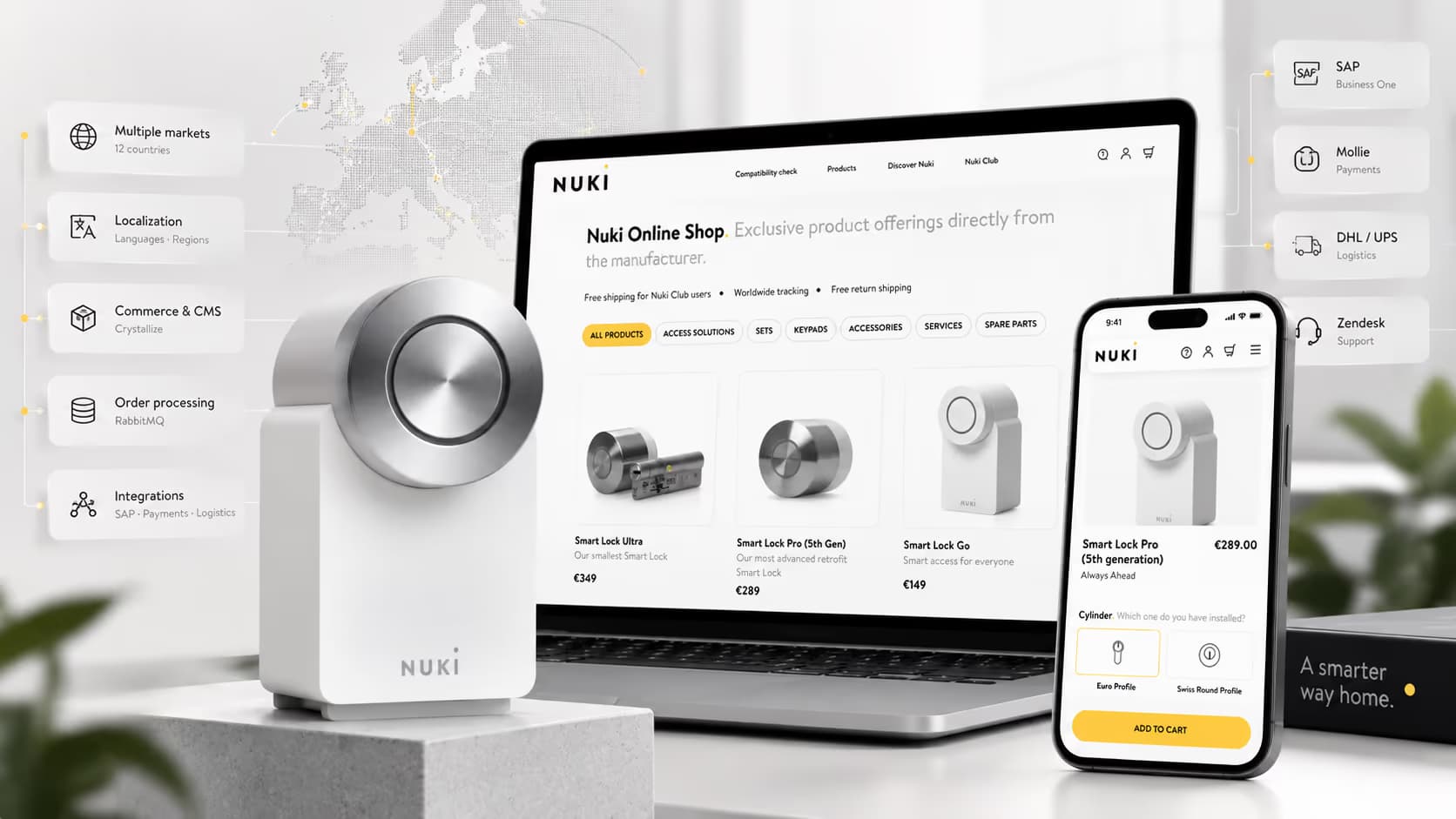

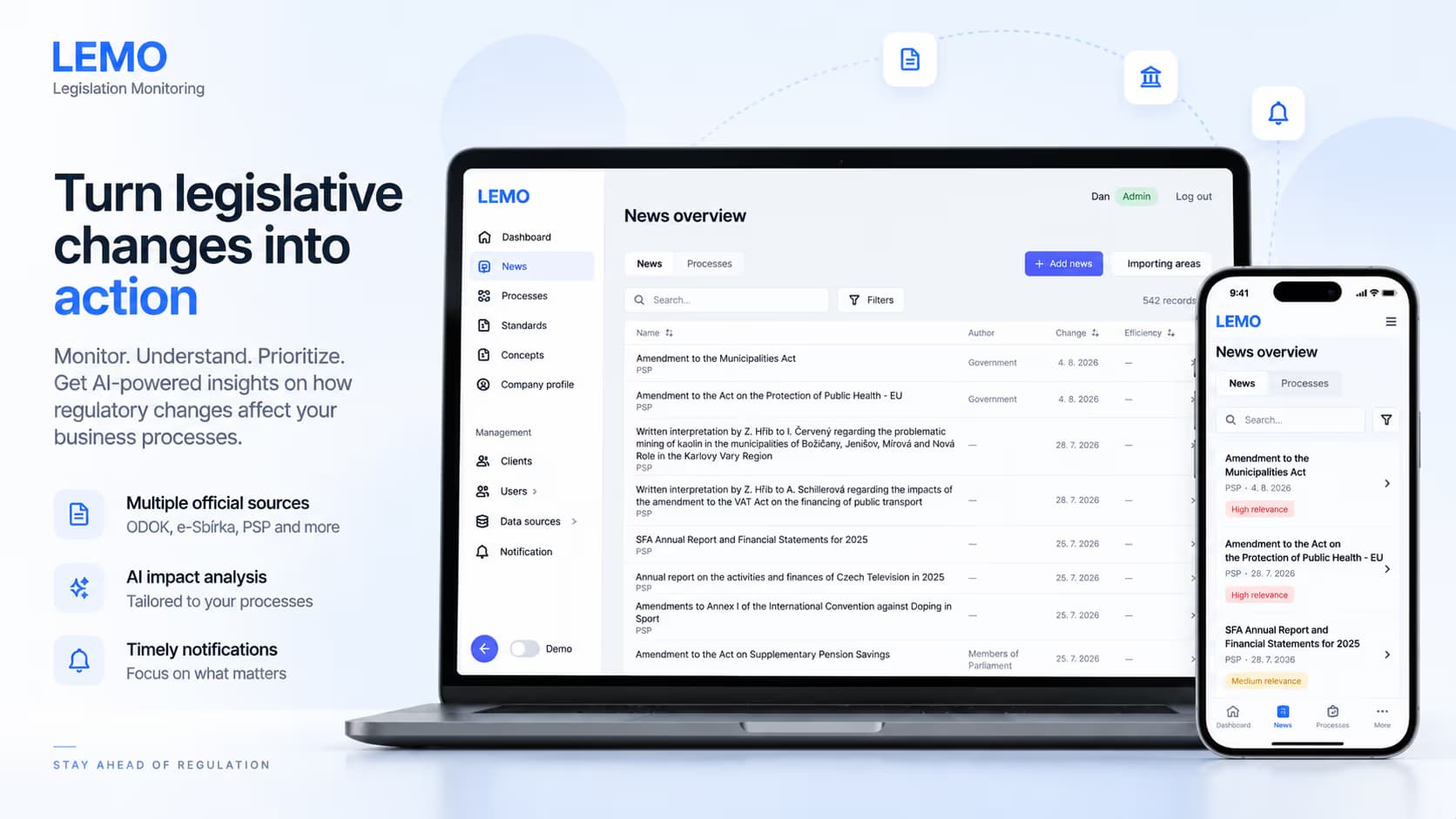

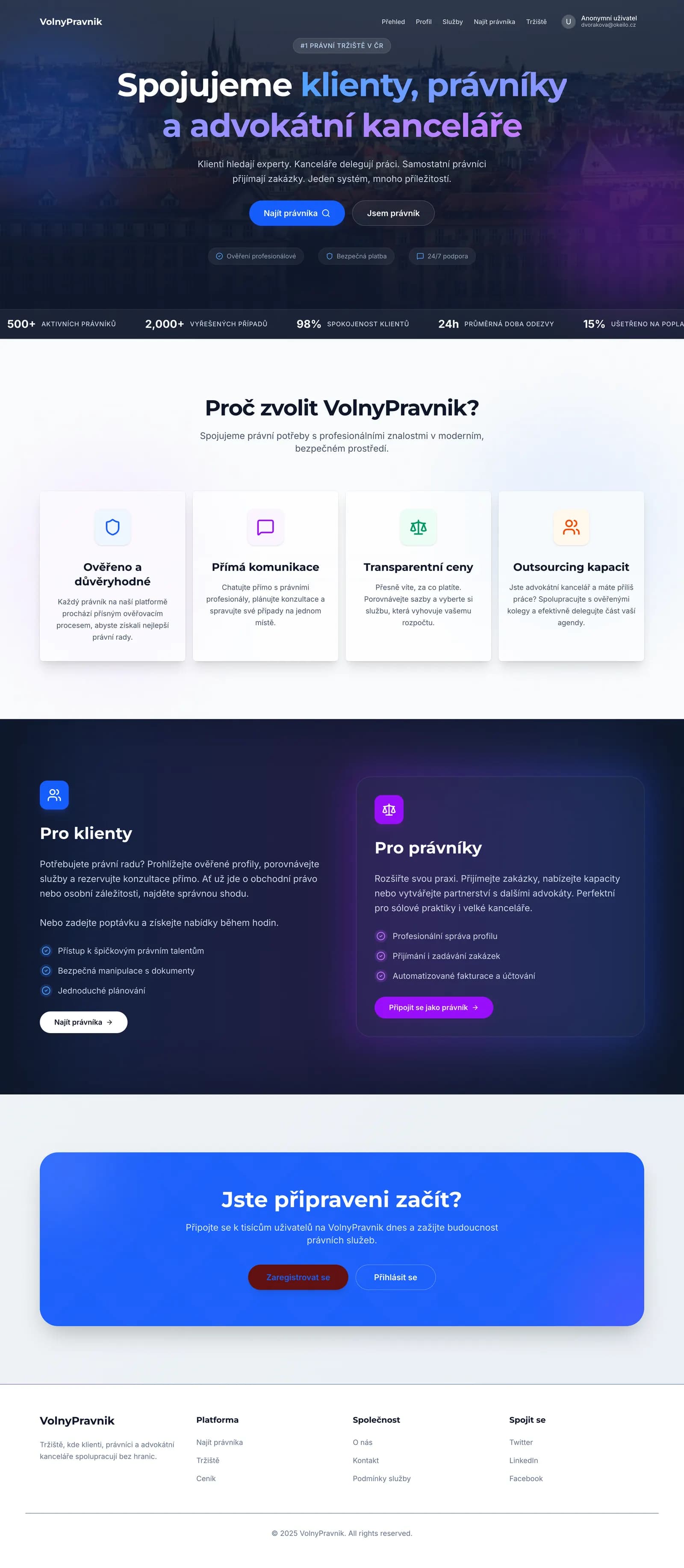
Lawyers Marketplace
Website and marketplace platform for attorneys and law firms
WhyDevehopeforProductDesign&UX

Design with engineering close by
Design decisions are stronger when they understand implementation reality. Because we build the software too, we design interfaces that are not only polished, but feasible, maintainable, responsive, and ready for development.

Built for complex, data-heavy products
We are comfortable with admin systems, dashboards, permissions, workflows, internal platforms, AI tools, marketplaces, and data-heavy products — the places where UX matters most, not only marketing sites.

Clarity first, aesthetics second
A beautiful interface that does not help the user is decoration. We focus on structure, hierarchy, flow, feedback, and decision clarity, and we can carry the design into implementation ourselves.